
Start With Clear Website Structure
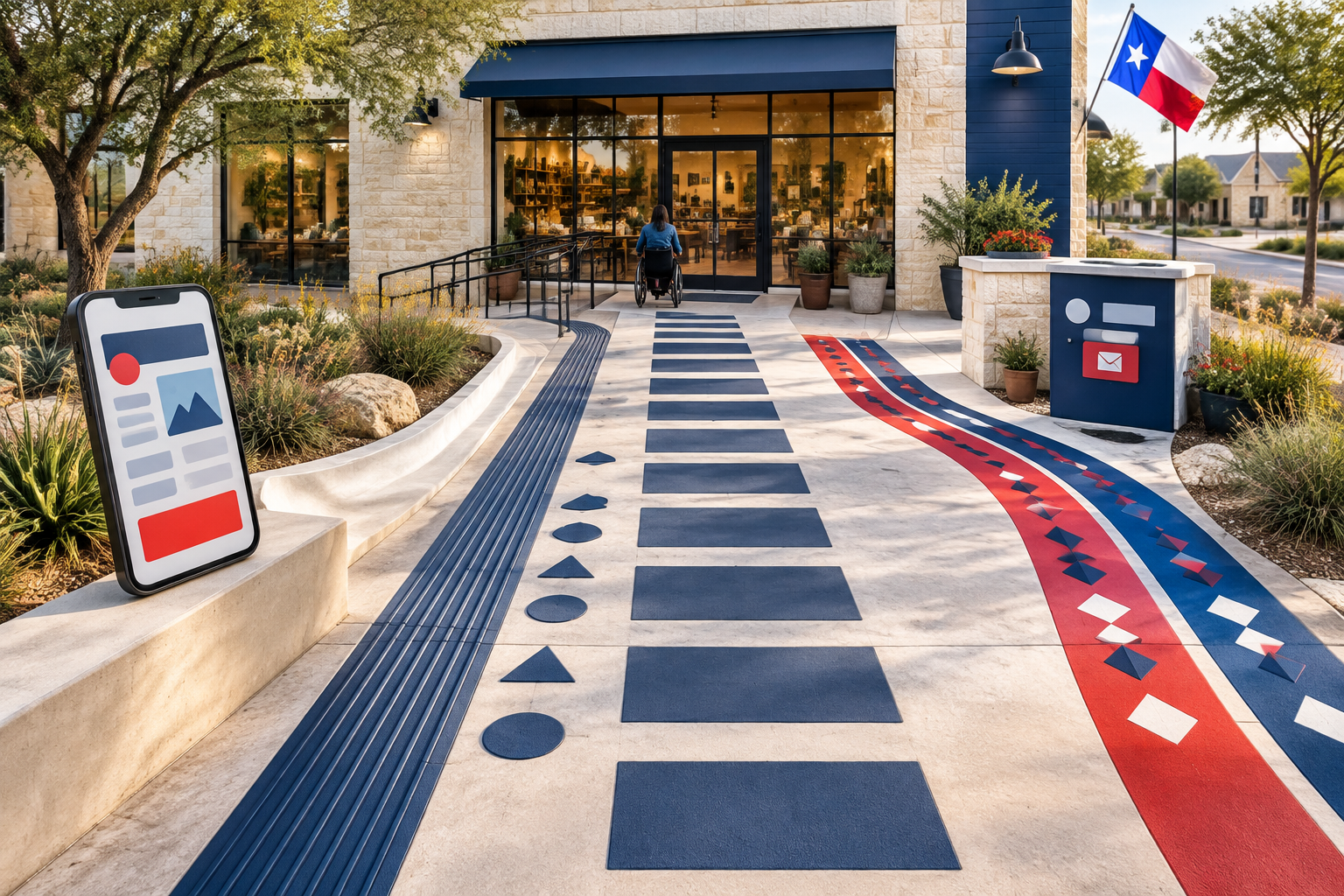
A small-business website should help visitors understand three things quickly: what you offer, who you serve, and what they can do next. Accessibility begins with that basic clarity. A well-organized page is easier to use for visitors with assistive technology, but it is also easier for anyone scanning on a phone or trying to make a decision quickly.
Before changing colors or adding accessibility tools, review the structure of your website. Service pages, location information, FAQs, contact details, and calls to action should follow a predictable order. Good structure gives your content a stronger foundation for both user experience and search visibility.
- Use one clear H1 for the page topic and organize supporting sections with logical H2 and H3 headings.
- Write link text that explains the destination, such as “Request a plumbing estimate,” instead of vague phrases like “Click here.”
- Keep navigation labels familiar and consistent across the website.
- Make important actions easy to find without forcing visitors to search through decorative content.
Make Visual Information Easier to Read
Visual design should make information easier to recognize, not make visitors work to decode it. A low-contrast gray text color may look subtle in a design mockup but become difficult to read on a phone outdoors. Similarly, a form that marks an error only with a red border may not communicate the problem clearly to every visitor.
Accessible design does not mean removing personality from a brand. Your website can still use strong colors, photography, typography, and visual hierarchy. The goal is to apply those elements thoughtfully so that important information remains readable and actions remain obvious.
- Choose text and background colors with enough contrast to remain readable in different lighting conditions.
- Do not use color as the only way to show an error, required field, status, or important distinction.
- Use comfortable text sizes, sufficient line spacing, and short paragraphs.
- Make buttons visually distinct and describe the action they perform.
Give Images and Media a Purpose
Images can explain a service quickly, but they should not be the only way visitors receive important information. A photo of a roof repair, salon service, restaurant dish, or completed remodeling project should support nearby written content rather than replace it.
Useful alternative text is specific and brief. It can describe the purpose of the image in context, rather than listing every visible detail. If the image is purely decorative, marking it as decorative prevents assistive technology users from encountering unnecessary descriptions.
- Add descriptive alternative text to meaningful images, such as photos of a service, product, property, or finished project.
- Use empty alternative text for decorative images that do not add information.
- Avoid placing essential instructions only inside an image.
- Use captions or transcripts when video or audio communicates important information.
Build More Usable Contact Forms
Contact forms are often the most important conversion point on a small-business website. An attractive form is not enough if visitors cannot tell which fields are required, what format to use, or whether their submission worked.
A practical form might ask for a name, contact method, service needed, location, and a short description. The exact fields depend on the business. Keeping the first step focused can reduce confusion while giving the business enough information to respond appropriately. Make sure the same contact option is not hidden behind a form that some visitors may struggle to use.
- Use visible labels that remain connected to each form field.
- Explain the information needed and why it is useful when that context helps visitors respond accurately.
- Show clear, specific error messages and identify the field that needs attention.
- Avoid requesting information that is not necessary for the first conversation.
- Make the confirmation message explain what happens next.
Test the Actions Visitors Need
A website can look correct with a mouse and still be difficult to operate in other ways. Keyboard testing is a straightforward way to uncover problems with menus, buttons, pop-ups, and form fields. Move through the page using the Tab, Enter, Space, and arrow keys where appropriate. Watch for missing focus indicators or an order that feels illogical.
Mobile usability is part of the same conversation. Small controls, crowded links, unexpected movement, and difficult-to-dismiss overlays can create barriers for many visitors, not only those who use assistive technology.
- Test menus, buttons, form fields, pop-ups, and sliders with a keyboard.
- Ensure the current focus is visible as someone moves through the page.
- Do not trap a visitor inside a menu, dialog, or form component.
- Make mobile controls large enough to activate without repeated or accidental taps.
- Review pages at different zoom levels and screen sizes.
Treat Language as Part of Usability
Clear content supports accessibility and customer trust. Visitors should not have to interpret vague claims to understand what a business does or whether it serves their area. This is especially important for local service businesses in diverse communities across Dallas-Fort Worth and Texas.
If your customers speak more than one language, a multilingual website can make the experience more welcoming. Translation should include practical details such as form labels, confirmation messages, navigation, service limitations, and contact instructions—not only the homepage. Each language version should help visitors complete the same essential actions.
- Write service descriptions in plain language and define specialized terms when they are necessary.
- Provide accurate contact, address, hours, and service-area information.
- Offer translated content carefully when your business serves multilingual customers.
- Review automated translations and multilingual forms for clarity before publishing.
- Keep important instructions consistent across English and translated versions.
Turn Accessibility Into an Ongoing Practice
Accessibility is not a one-time decoration added after a website is finished. New pages, plugins, images, forms, and campaigns can introduce usability problems. A small-business website does not need an overwhelming process, but it does need a repeatable one.
Start with the actions that matter most to the business. If visitors need to call, request a quote, schedule an appointment, or find a service area, make those paths easy to understand and complete. Then continue improving the surrounding content and components as part of regular website care.
- Check the highest-value pages first: the homepage, core service pages, contact page, booking page, and location pages.
- Review headings, links, images, forms, contrast, keyboard behavior, and mobile layouts.
- Ask real people to complete common tasks, such as requesting an estimate or finding the business phone number.
- Document issues by impact and fix the barriers that prevent understanding or contact first.
- Include accessibility checks in future redesigns, content updates, and website care.
A Practical Accessibility Checklist
Website accessibility for small businesses is practical, achievable, and closely connected to good website strategy. It is about removing avoidable obstacles from the paths your customers already need to follow.
When Pakdelify plans or improves a website, accessibility-minded decisions can fit alongside branding, local search, conversion goals, multilingual content, and ongoing maintenance. If your current website feels difficult to navigate—or if visitors may be missing important information—an organized review can show where to begin.
- A clear content hierarchy helps visitors and supports easier scanning.
- Readable contrast and typography reduce unnecessary visual effort.
- Descriptive images and links provide useful context beyond visual appearance.
- Usable forms make it easier to ask for help, pricing, or an appointment.
- Keyboard and mobile testing reveal problems that a visual review may miss.
- Multilingual content should preserve essential instructions and next steps.
Frequently asked questions
What does website accessibility mean for a small business?
Website accessibility means designing and maintaining a website that more people can use, including visitors who navigate with keyboards, screen readers, captions, larger text, or other assistive tools. Clear content, readable contrast, descriptive links, useful image text, and simple forms are practical parts of accessible design.
Is website accessibility only important for larger companies?
No. Small businesses benefit from accessible websites because clearer navigation and communication can help more visitors understand services, contact the business, and complete important actions. Accessibility also supports a better experience on mobile devices and in situations where visitors have limited attention, bandwidth, or temporary impairments.
What are the first accessibility improvements a small business should make?
Start with the basics: check color contrast, use logical headings, make buttons and forms understandable, provide descriptive text for meaningful images, ensure the site works with a keyboard, and avoid relying on color alone to communicate information. A professional review can identify additional issues specific to the website.
Can an accessible website still look modern and match my brand?
Yes. Accessibility is a design discipline, not a requirement to create a plain or generic website. A strong designer can preserve your brand colors, visual style, photography, and layout while improving readability, navigation, interaction states, and content structure.
How can Pakdelify help with website accessibility?
Pakdelify can incorporate accessibility-minded structure into a new website or review an existing small-business site for practical improvements. Support may include clearer page organization, more usable forms, readable visual design, descriptive content, multilingual considerations, and ongoing website care.