Why language choice matters on a small-business website
Your website may be the first interaction a potential customer has with your business. If important information is difficult to understand, visitors may leave before they call, request a quote, or schedule an appointment. A multilingual website can remove that barrier by presenting your services, process, contact details, and next steps in the language your customers prefer.
This is especially valuable for local service businesses. A home services company, medical practice, professional office, restaurant, contractor, or community-focused retailer may serve customers who are comfortable speaking English but prefer to read important details in another language. Clear communication can make the business feel more accessible and trustworthy before a conversation ever begins.
- Explain services in language customers understand comfortably.
- Make contact and scheduling options easier to find.
- Reduce confusion about service areas, pricing details, and next steps.
- Show that your business is prepared to serve a broader local community.
What multilingual website design really includes
Multilingual website design is more than copying text into a translation tool or placing a language button in the top corner. The structure, navigation, forms, images, calls to action, and search strategy all need to support the customer’s preferred language.
A well-planned site gives each language a consistent experience while allowing content to sound natural. Some pages may need a direct translation, while others should be adapted to reflect how local customers actually search for and describe a service. The goal is clarity and usefulness, not simply having more words on the site.
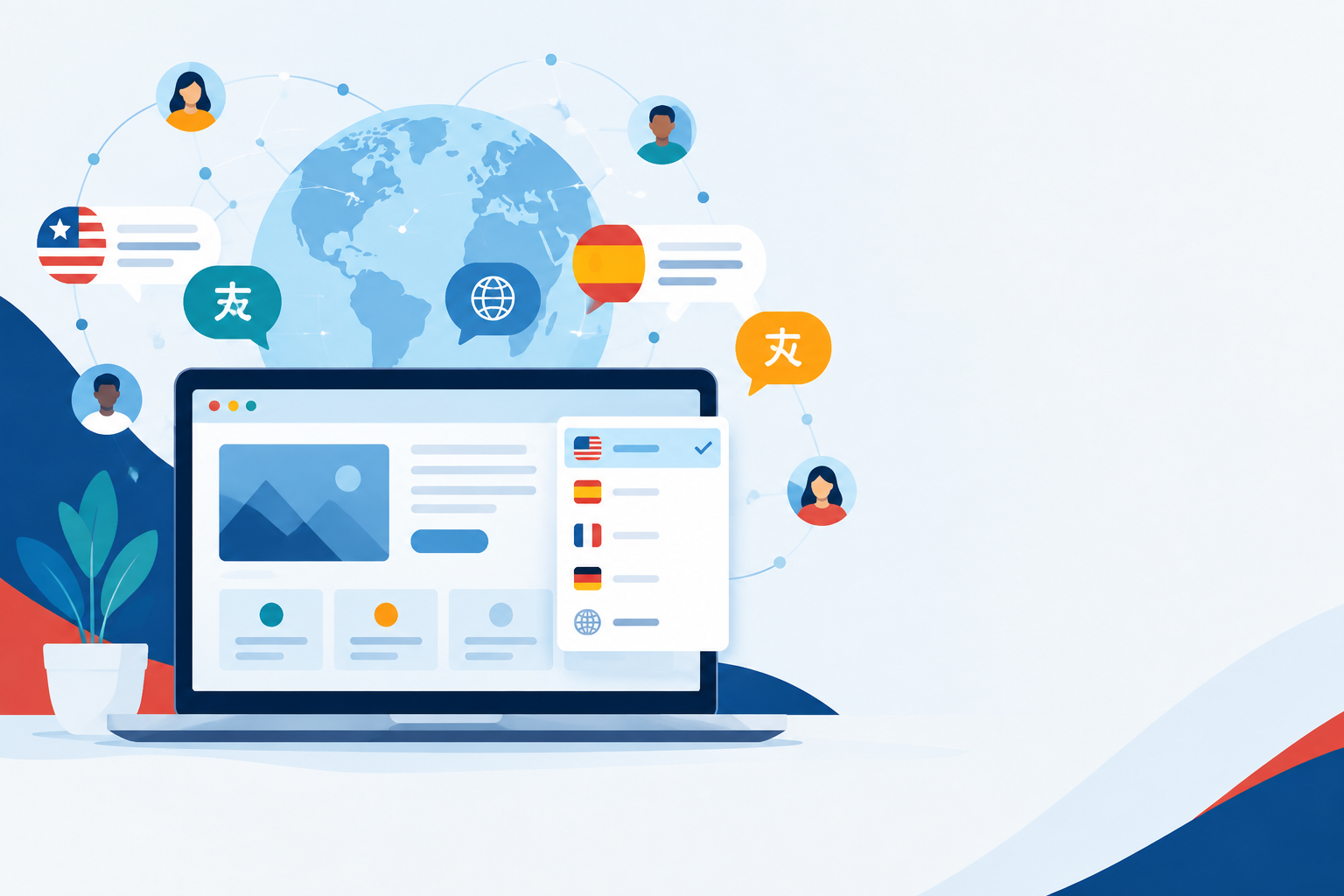
- A visible and easy-to-use language switcher.
- Translated navigation, service pages, contact details, forms, and calls to action.
- Readable layouts for languages with different word lengths or writing systems.
- Consistent terminology for services, locations, and business policies.
- A plan for maintaining translated content when the English site changes.
- Language-specific page titles, descriptions, headings, and URLs where appropriate.
Start with the languages your customers actually use
A common mistake is trying to launch in too many languages at once. For a small business, it is usually better to begin with the language that addresses a clear customer need and build a reliable process around it. Spanish may be a strong choice for many Texas businesses, but the right decision depends on your audience, staff capabilities, service area, and customer conversations.
Review the questions people ask by phone, email, social media, and in person. Look for patterns in appointment requests, search behavior, and the languages used by current customers. Your team should also be prepared to respond after someone visits the translated site. A translated website is most effective when the rest of the customer experience supports it.
- Identify the languages customers request most often.
- Ask which pages customers need translated first.
- Confirm that someone can answer calls, messages, or forms in each supported language.
- Launch with a focused set of high-value pages rather than incomplete translations across the entire site.
- Review customer feedback and expand the language experience over time.
Build a bilingual or multilingual site around customer tasks
Visitors do not come to a business website just to read. They want to complete a task: understand a service, confirm that the business serves their area, compare options, book an appointment, request an estimate, or contact a real person. Your multilingual website should make those tasks easy in every supported language.
Start with the pages that influence decisions. For many local businesses, that includes the home page, primary service pages, about page, service-area page, frequently asked questions, contact page, and booking or quote forms. If a page is available in one language but links visitors to an untranslated form or policy, the experience can feel incomplete.
- Use clear, action-oriented buttons such as “Request a Quote” or “Schedule a Consultation.”
- Keep phone numbers, hours, addresses, and service areas consistent across languages.
- Translate form labels, confirmation messages, and error messages.
- Make the language switcher easy to find on both desktop and mobile.
- Use human review for important customer-facing content.
Support multilingual local SEO without creating thin pages
A multilingual website can support local search visibility when each language version is useful, accurate, and technically organized. Search engines need to understand which page serves which language, while customers need content that answers their questions naturally.
Avoid creating dozens of nearly identical pages that change only a city name or a few translated phrases. Instead, develop genuinely helpful pages around your services, locations, and customer needs. Each language version should have its own relevant page title, meta description, headings, and content. Business information should remain accurate and consistent, especially your name, address, phone number, hours, and service area.
- Create useful translated pages for priority services and locations.
- Use natural search terms rather than literal word-for-word translations.
- Keep each language version connected through clear internal links.
- Review mobile performance, page speed, and form usability in every language.
- Track calls, form submissions, bookings, and engagement by language when possible.
Design details that improve the multilingual experience
Language affects design. Translated text may be longer or shorter than the original, which can change button sizes, headings, menus, and page spacing. Some languages also require different reading directions or typography. Planning for these differences prevents crowded layouts and awkward line breaks.
Images should also support the message without relying on text embedded in graphics. If an image contains a promotional phrase in English, it may not work for visitors using another language. Use flexible layouts, accessible text, and content that remains understandable when viewed on a phone.
- Test headings and buttons at realistic translated lengths.
- Use fonts that support all languages on the site.
- Avoid placing essential information inside images.
- Check menus, pop-ups, forms, and booking tools in each language.
- Include descriptive alternative text and maintain accessibility standards.
Create a maintenance plan before launch
A multilingual site needs ongoing care. New services, holiday hours, promotions, team changes, blog posts, and policy updates should not appear in only one language for long periods. An outdated translation can be more confusing than no translation at all.
Create a simple content process that identifies which updates require translation, who reviews them, and how quickly they should be published. A website care partner can help monitor broken links, forms, performance, security, and content consistency while your team focuses on serving customers.
- Keep a list of pages and features available in each language.
- Review high-traffic pages regularly.
- Update translated calls to action when services or offers change.
- Test forms and confirmation emails after major website updates.
- Remove or revise outdated pages instead of leaving incomplete information online.
When a multilingual website is a smart investment
Multilingual website design is worth considering when your business regularly serves customers who prefer another language, receives repeated questions about language support, or wants to expand within a diverse local market. It can also be useful when your staff already communicates in multiple languages and your website does not reflect that strength.
The best project does not need to be complicated. A focused bilingual launch, supported by strong service pages and a clear contact path, may be more valuable than a large site that is only partially translated. The right scope depends on your audience, goals, content, and capacity to maintain the experience.
- You receive inquiries in more than one language.
- Customers hesitate because service information is unclear.
- Your competitors are not communicating well with an important local audience.
- Your team can provide follow-up in the supported languages.
- You want a more inclusive customer journey across Dallas-Fort Worth or another Texas market.
Frequently asked questions
What is the difference between a bilingual website and a multilingual website?
A bilingual website supports two languages, while a multilingual website supports three or more. Both should provide a complete, usable experience in each language, including navigation, forms, calls to action, and essential business information.
Should every page on my website be translated?
Not necessarily. Start with the pages that help customers understand your services and take action. Home, service, contact, booking, FAQ, and priority location pages are often the best starting points. Expand as your content and maintenance process mature.
Is machine translation enough for a business website?
It may help with an initial draft, but important customer-facing content should be reviewed by a fluent speaker who understands your industry and audience. Literal translations can sound unnatural or change the meaning of service details.
Can a multilingual website help with local SEO?
Yes, when each language version provides useful, original information and is organized clearly. Language-specific page elements, accurate local business details, helpful service content, and a good mobile experience all contribute to a stronger customer and search experience.
How do I choose which language to add first?
Look at customer conversations, form submissions, call patterns, staff language capabilities, and the communities you serve. Choose the language that addresses the clearest customer need and that your business can support after the website launches.